• Microsoft 365
  • /
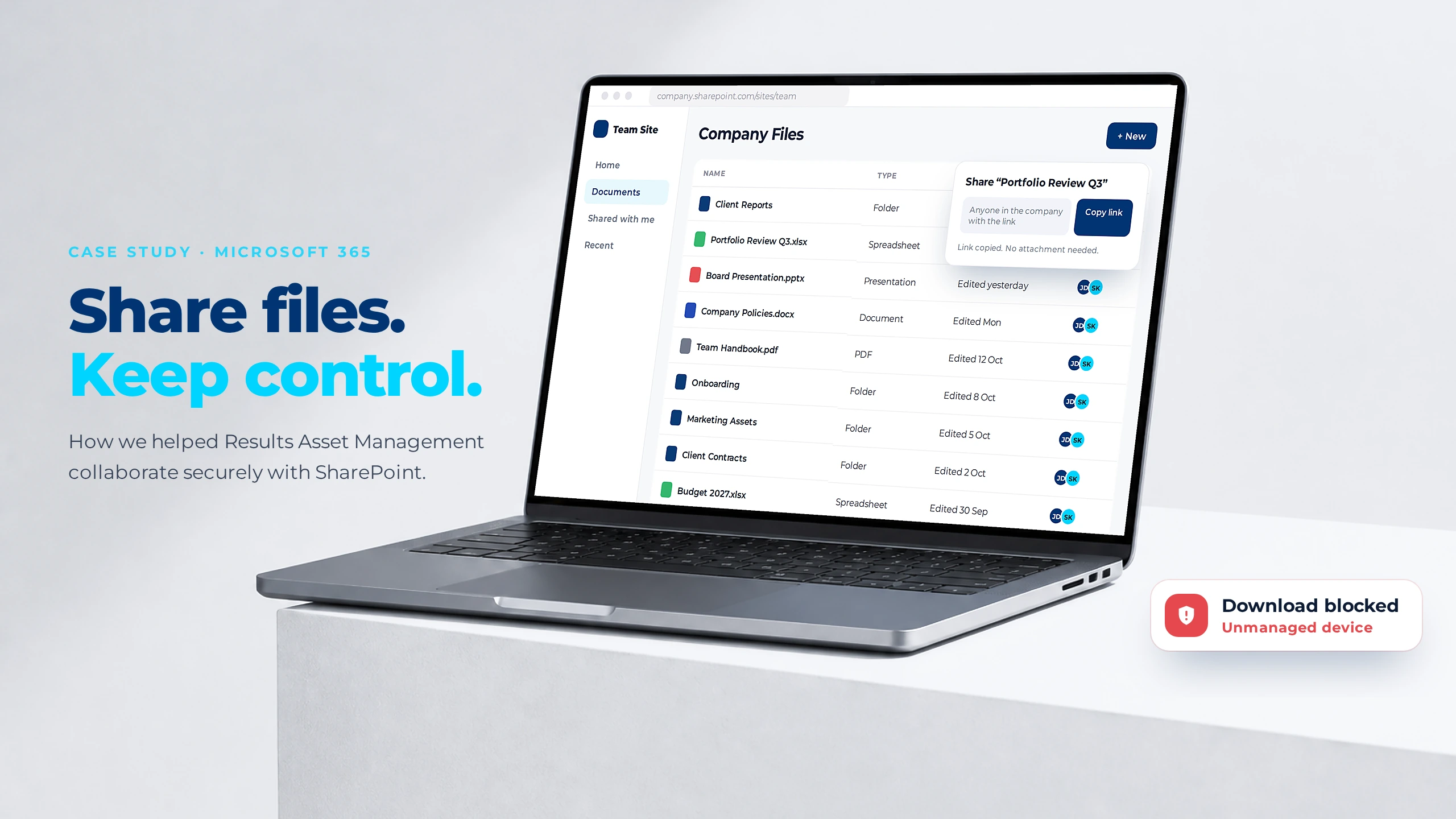
  • How We Helped Results Asset Management Share Files Securely with SharePoint

How We Helped Results Asset Management Share Files Securely with SharePoint

Introduction

Sharing files shouldn’t mean losing control of company data.

We recently helped Results Asset Management Limited improve how their team shares information, while strengthening control over where company files can be accessed and downloaded.

By moving their shared data to Microsoft SharePoint and putting the right device access and security policies in place, we’ve given their team a simpler, more collaborative way of working, without compromising on security.

1. The Challenge

For many businesses, sharing files still means attaching documents to emails and sending them back and forth. It works, but it quickly creates problems:

  • Multiple copies of the same document in different inboxes
  • Confusion over which version is the latest
  • Company files saved on devices the business doesn’t manage
  • Little visibility over where data ends up


Results Asset Management wanted to make collaboration easier for their team while keeping company data firmly under control.

2. What We Did

We worked with the team to:

  • Migrate their shared data to Microsoft SharePoint, giving everyone one central, organised place for company files
  • Configure device access policies, so company files are worked on from company-managed devices
  • Apply security policies, including download restrictions when files are accessed from unmanaged devices


The aim was simple: make everyday work easier for staff, while putting practical security measures in place for the business.

3. What's Changed for the Team

With the new setup, staff can:

  • Access and collaborate on shared files in one central location
  • Share document links instead of emailing multiple copies back and forth
  • Work on company-managed devices, with download restrictions applied when accessing files from unmanaged devices


Everyone works from the same up-to-date files, wherever they are.

4. The Benefits for the Business

For Results Asset Management, the change means:

  • Less reliance on email attachments, so inboxes stay clearer and files stay in one place
  • Fewer document copies to keep track of, with less risk of working from an out-of-date version
  • Greater control over company data, including where it can be accessed and downloaded


It’s a more collaborative way of working, with security built in rather than bolted on.

5. Are You Getting the Most from Microsoft 365?

Many businesses already pay for Microsoft 365 but only use a fraction of what it offers. Tools like SharePoint, combined with the right security settings, can transform how a team works together.

It could be worth a review if your business:

  • Still emails attachments back and forth to share documents
  • Has files spread across personal drives, inboxes and devices
  • Isn’t sure who can access company data, or from where
  • Wants staff to work flexibly without putting data at risk


At Stradcom, we help businesses get more from Microsoft 365, making everyday work easier while putting practical security measures in place. Find out more about our IT Support.

6. Start the Conversation

Looking to improve how your team shares and protects company files?

Speak to the Stradcom team about moving to SharePoint, tightening up device security, or simply getting more from the Microsoft 365 tools you already have.

Call us on 0333 366 1000 or email sales@stradcom.co.uk.

See what our Customers had to say

The best measure of our work is the feedback we receive from the businesses we’ve had the pleasure of working with.